








See what's around you
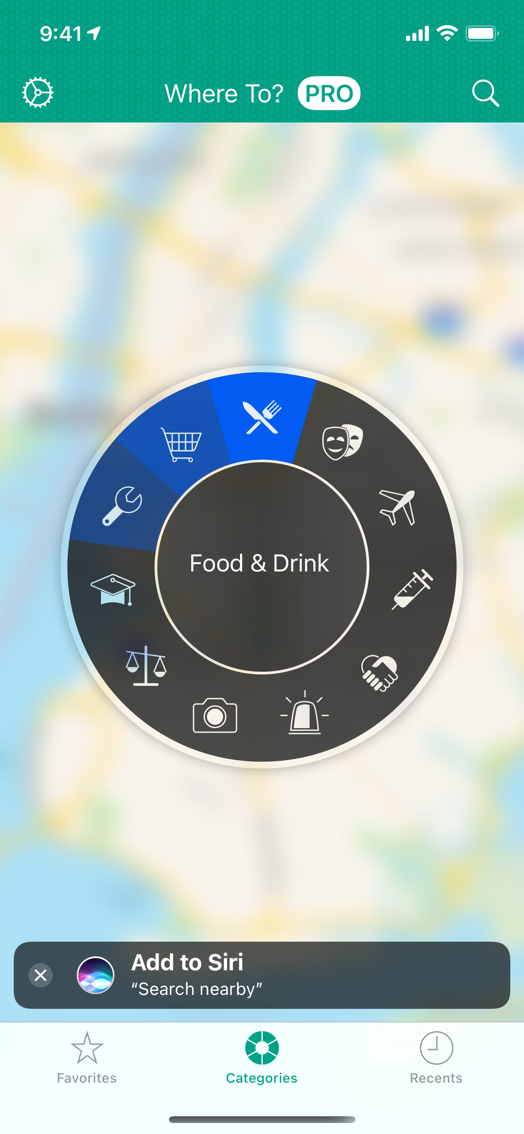
Where To? is an incredibly easy way to find the closest steakhouse, bank branch, billiard club, or anything else you might be looking for — whether you are on vacation in Paris or in your own back yard!
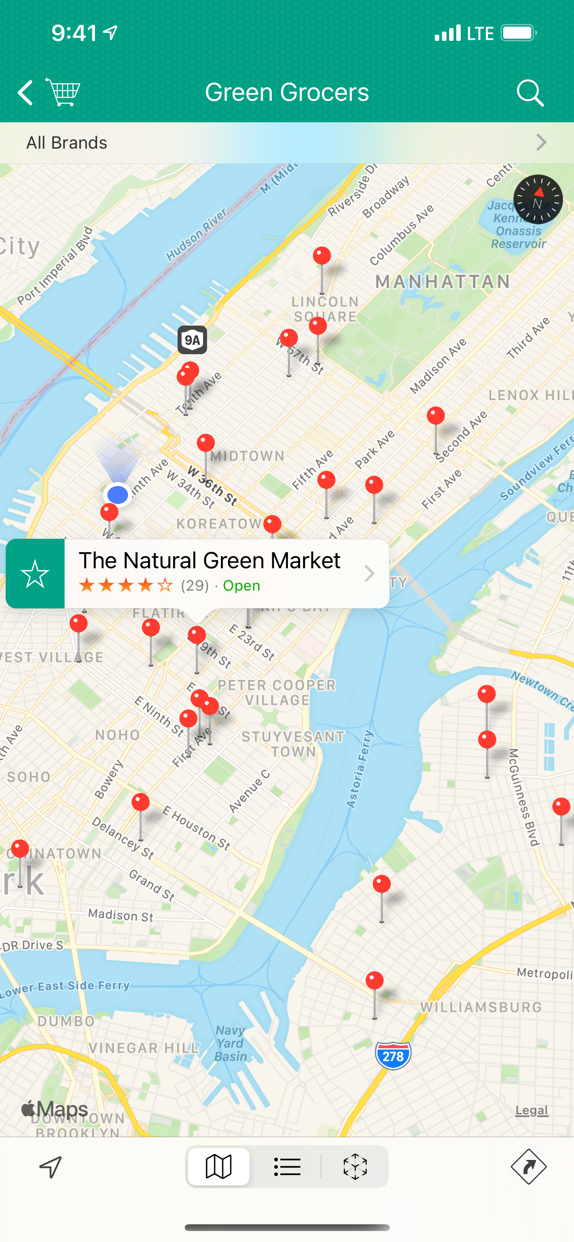
See your options on the built-in map, in a list sorted by distance or in augmented reality. With just a few taps, you can find any type of place you are looking for, close to wherever you are!
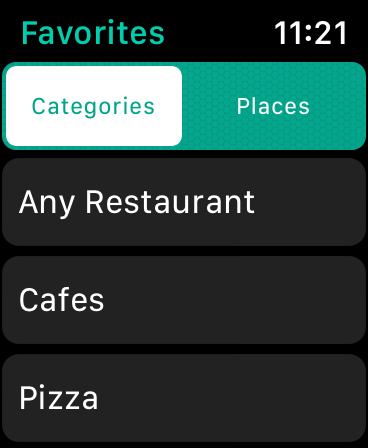
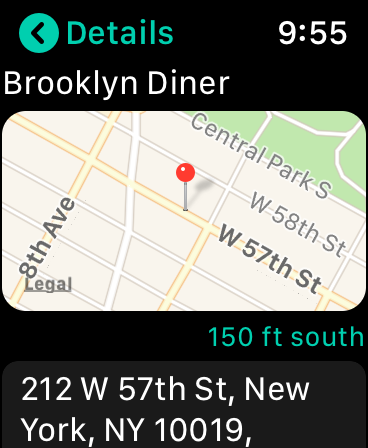
Where To? for Apple Watch
Show your favorite places, select your favorite category or search by voice. And the included Apple Watch app displays nearby results right on your wrist!
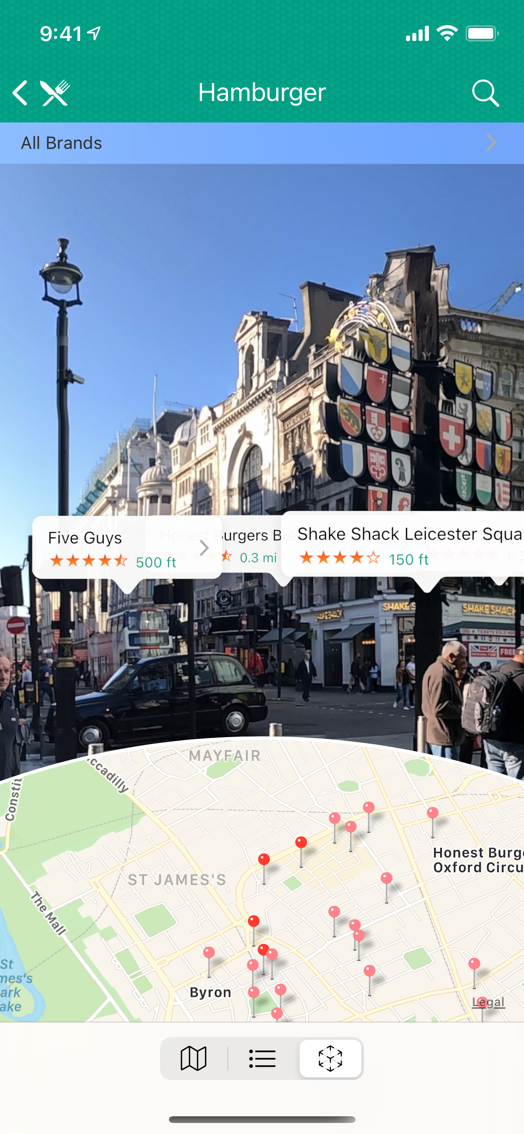
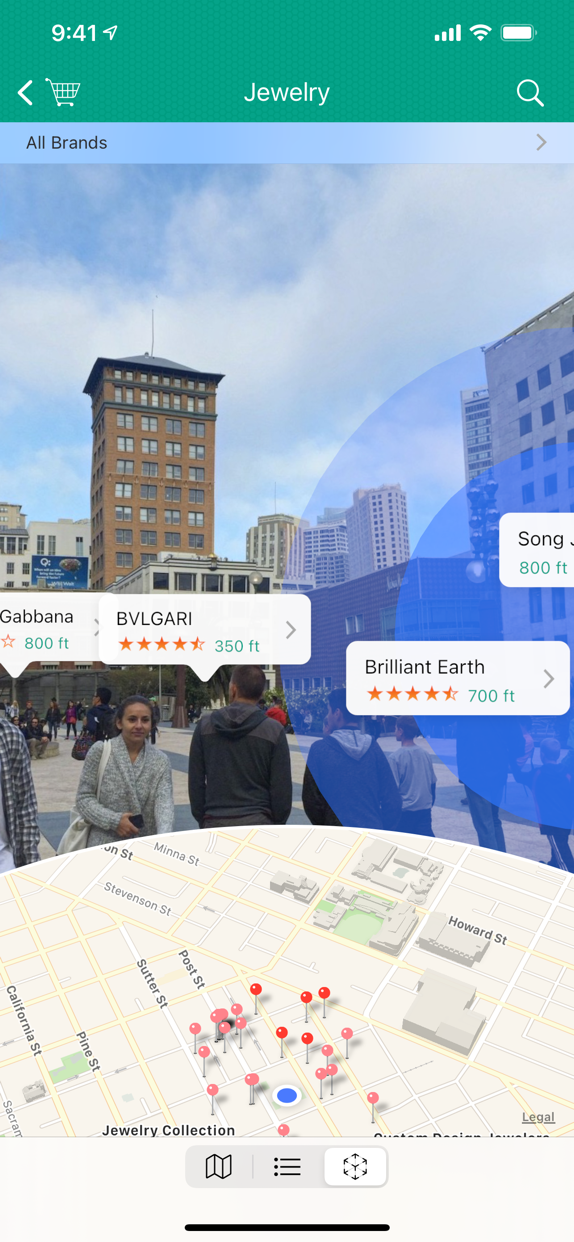
Augmented Reality
Explore a cool new way of visualization by displaying nearby locations in the live camera image, on top of reality. Being able to see through walls, it’s like X-ray vision for your iPhone.
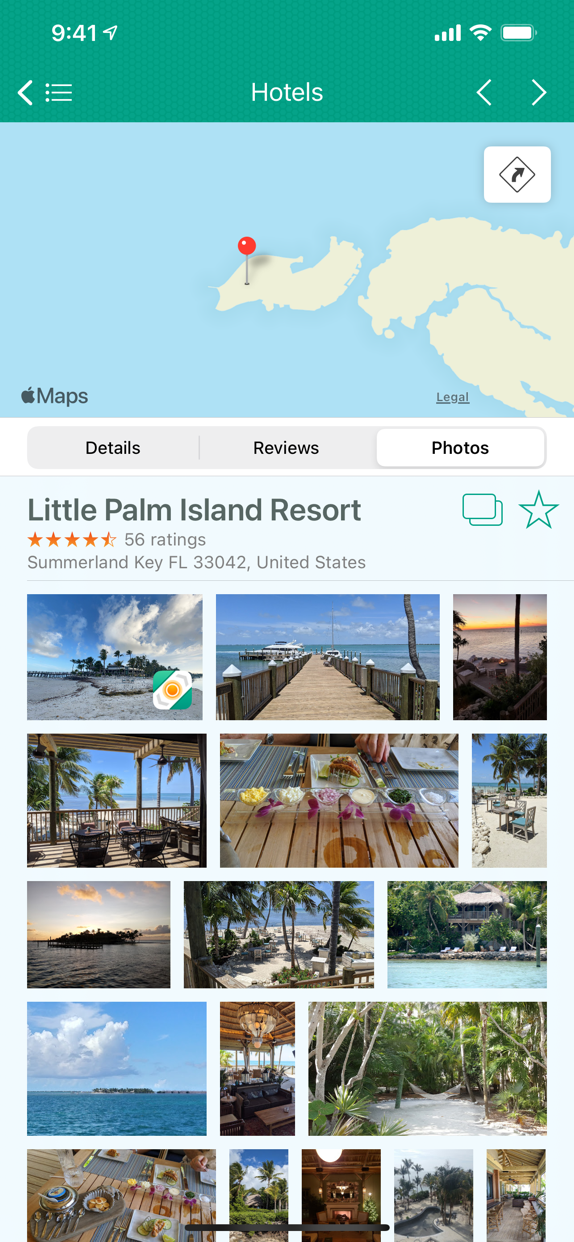
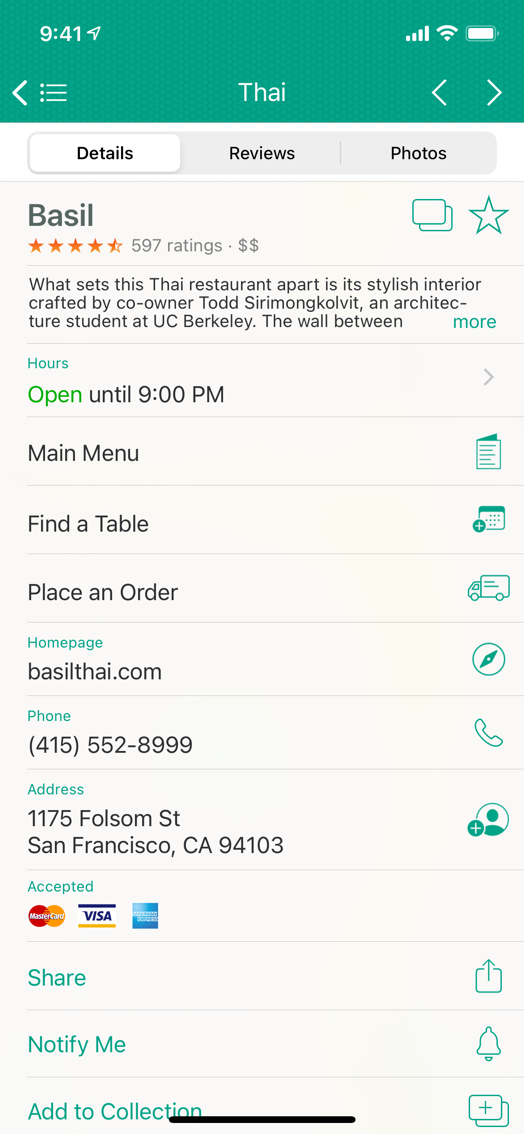
Your local guide
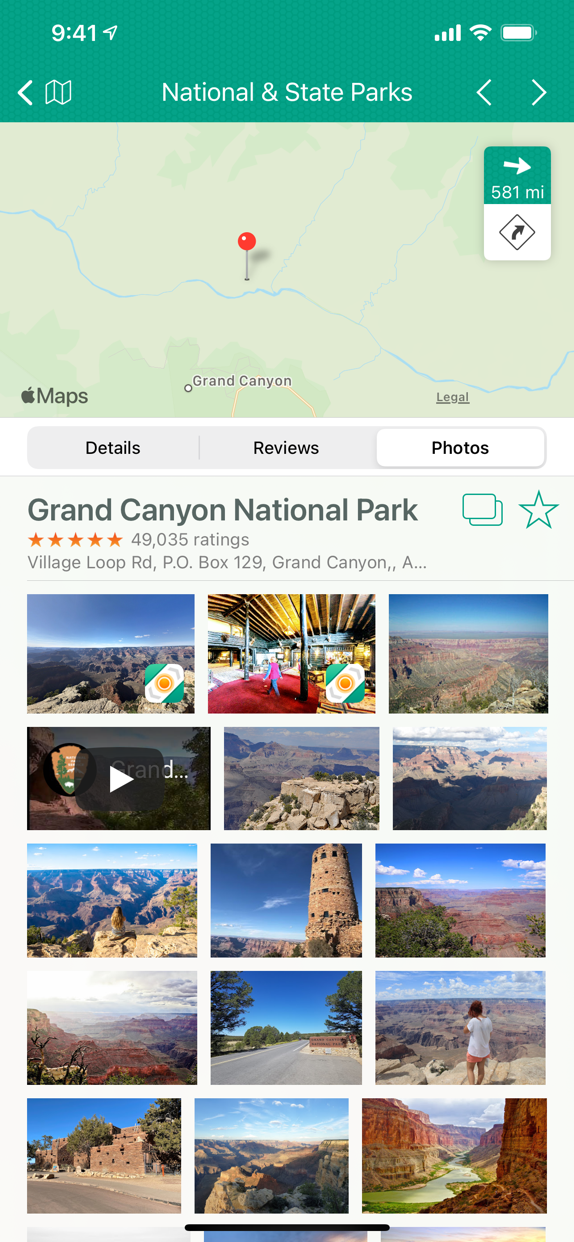
Where To? is your local guide in your pocket! It provides you with dinner menus, photos, videos, business hours, and more details. All you have to do is choose — then make a reservation, order your meal, or check the place’s homepage.
“I was lost in Huntington Beach. (…) My little fuel light was on and I needed gas bad[ly]! Used Where To? and bing, bang, boom… gas station was two blocks away!”
★★★★★ App Store review
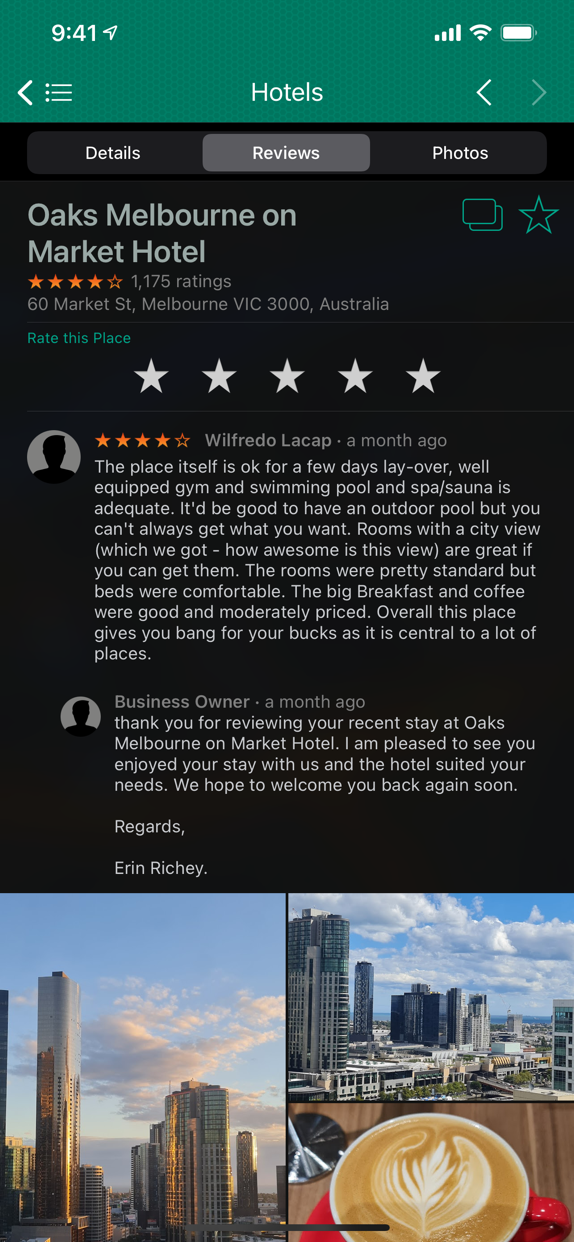
Check Reviews
Is the food delicious? The service great? Let others know! Where To? also collects and displays ratings and reviews from various 3rd party platforms.
Favorites and Collections
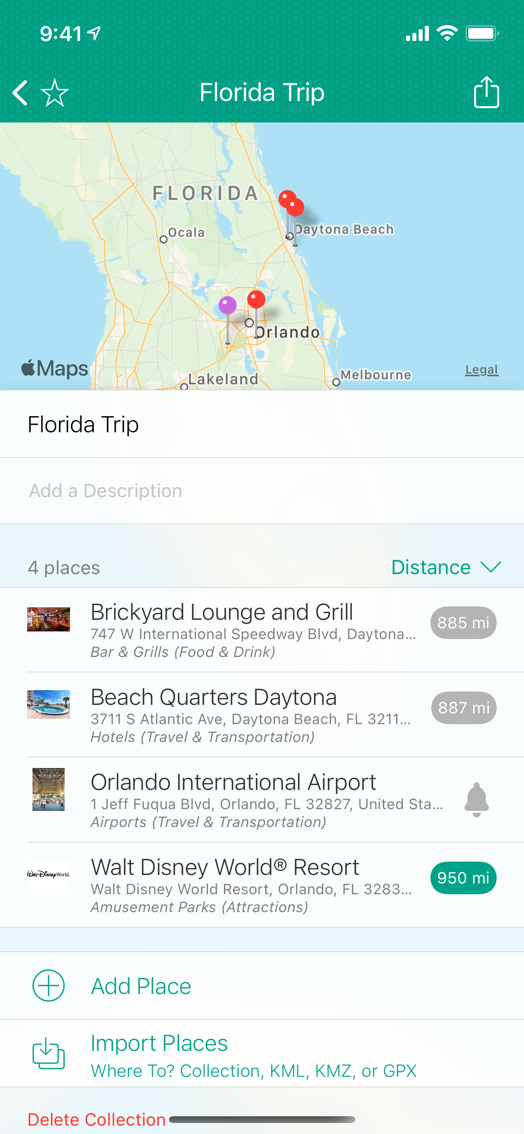
Save your favorite places and organize them in collections. Import collections from KML, KMZ or GPX. Share places and collections with your friends.
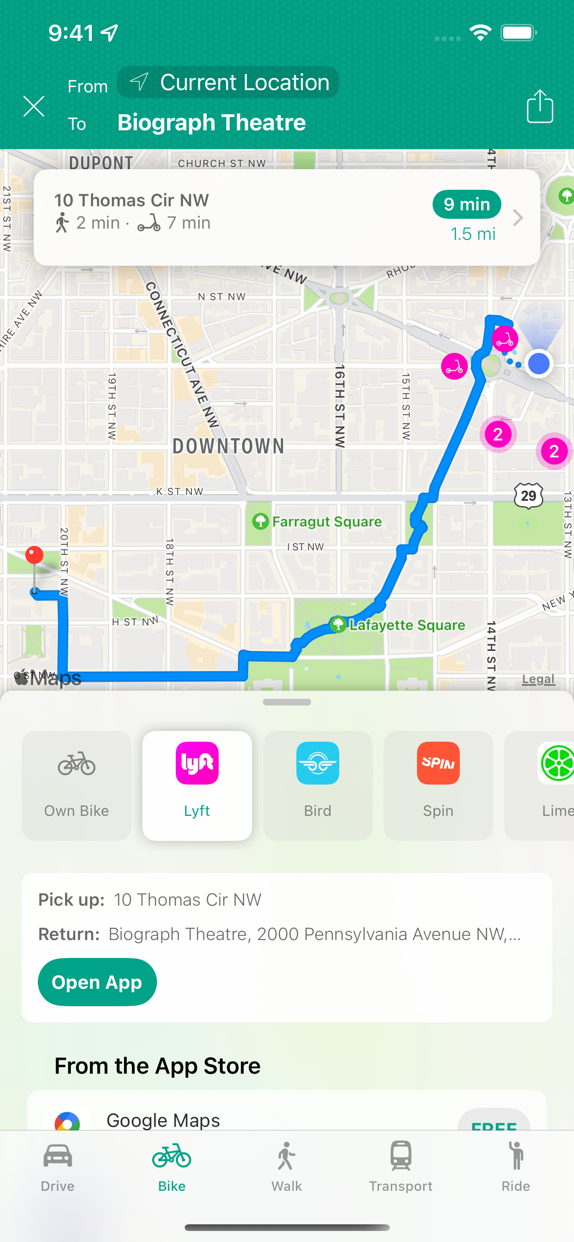
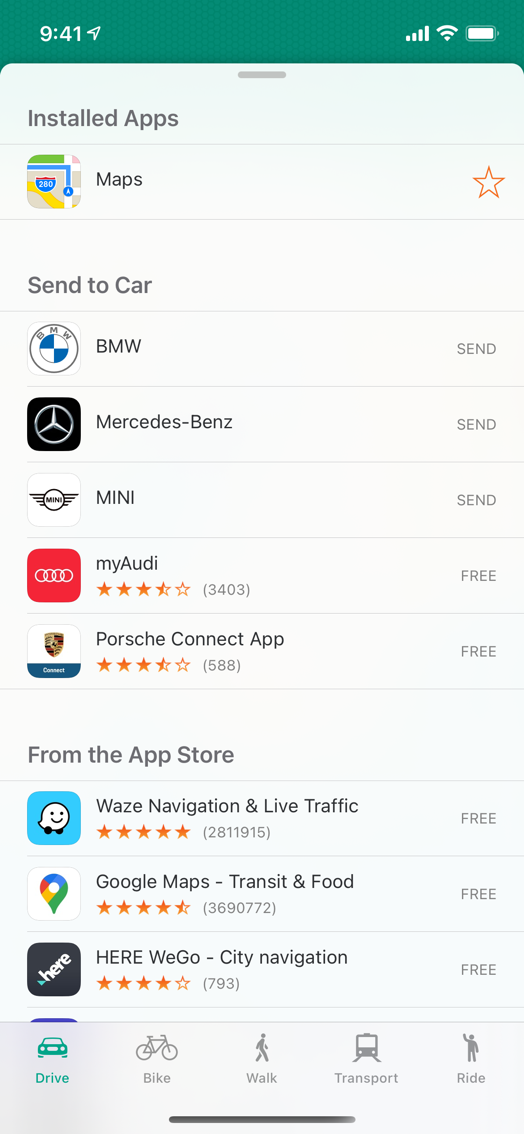
Made your choice? Now let’s get there!
Whether by car, bike, walking or public transport, Where To? gets you where you want to go. Use the built-in route planner or any of more than 80 apps from the App Store. The bike navigation also supports shared bikes and scooters from more than 250 micromobility services.
Send it to the car
Turn the key and let your car guide you to the destination. You can send locations to supported onboard navigation systems (Audi, BMW, Mercedes-Benz, Mini).

Add to Siri
Enhance Siri by creating a shortcut to search using Where To? for nearby places. Or create workflows using the Shortcuts app.

Location-based Reminders
Get notified when arriving at or departing from a certain location. And you’ll no longer forget to pick up the suit from dry cleaning.

¿Habla español?, Parlez-vous français?
You’re going to Mexico and don’t know what a „Hair Salon“ is in Spanish? Where To? searches in 11 different languages and translates all categories to the local language on-the-fly.
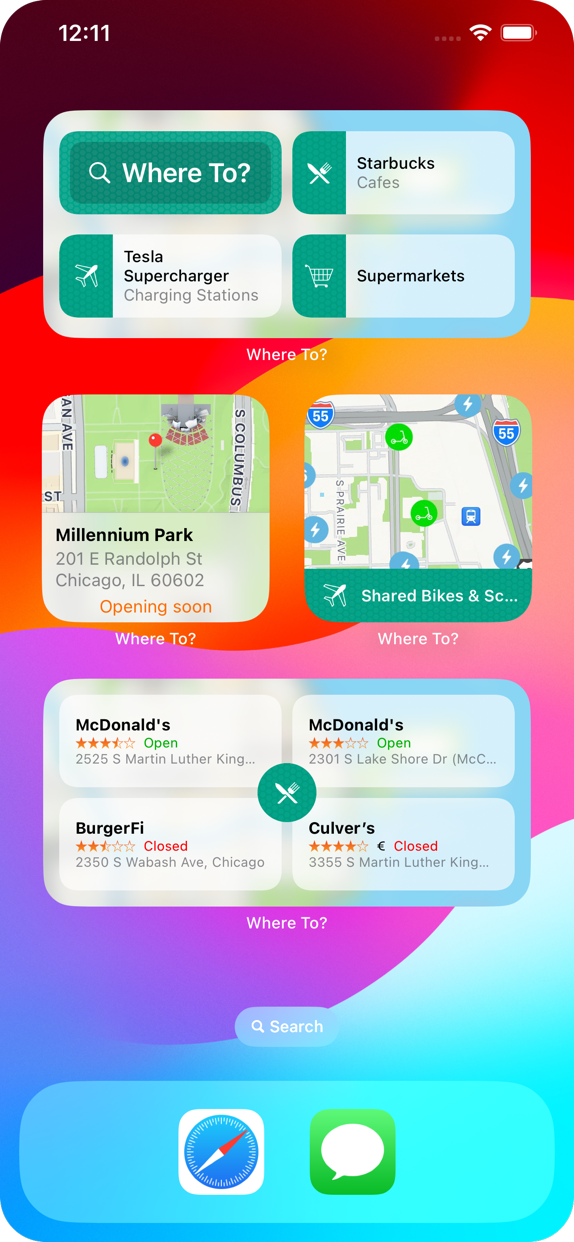
Widgets
Access nearby places right from your home screen – with widgets in various types and sizes. A widget for the lock screen is also available.
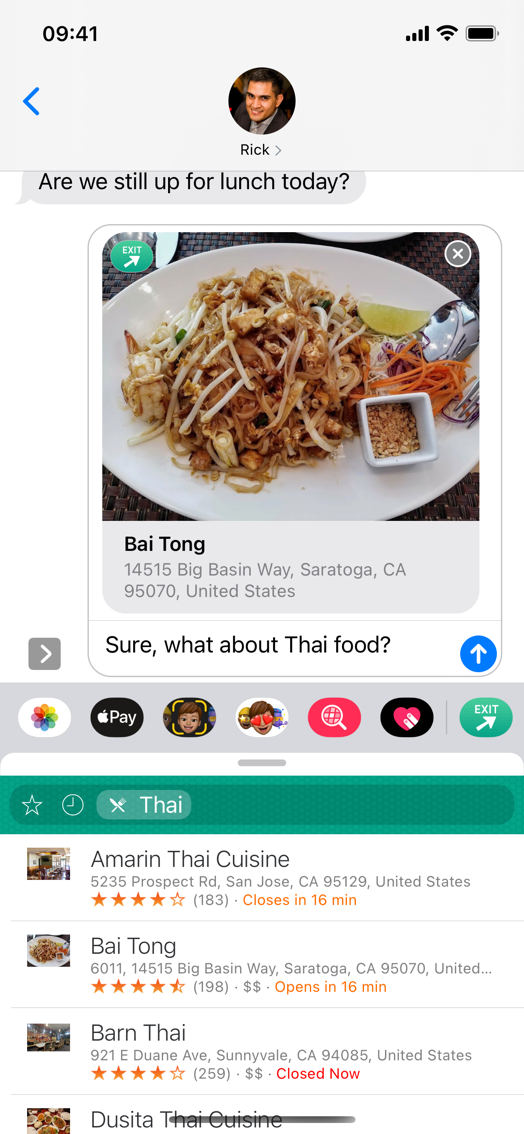
iMessage App
The included iMessage app allows you to search for locations and share them with your friends in a conversation – without even leaving the Messages app.